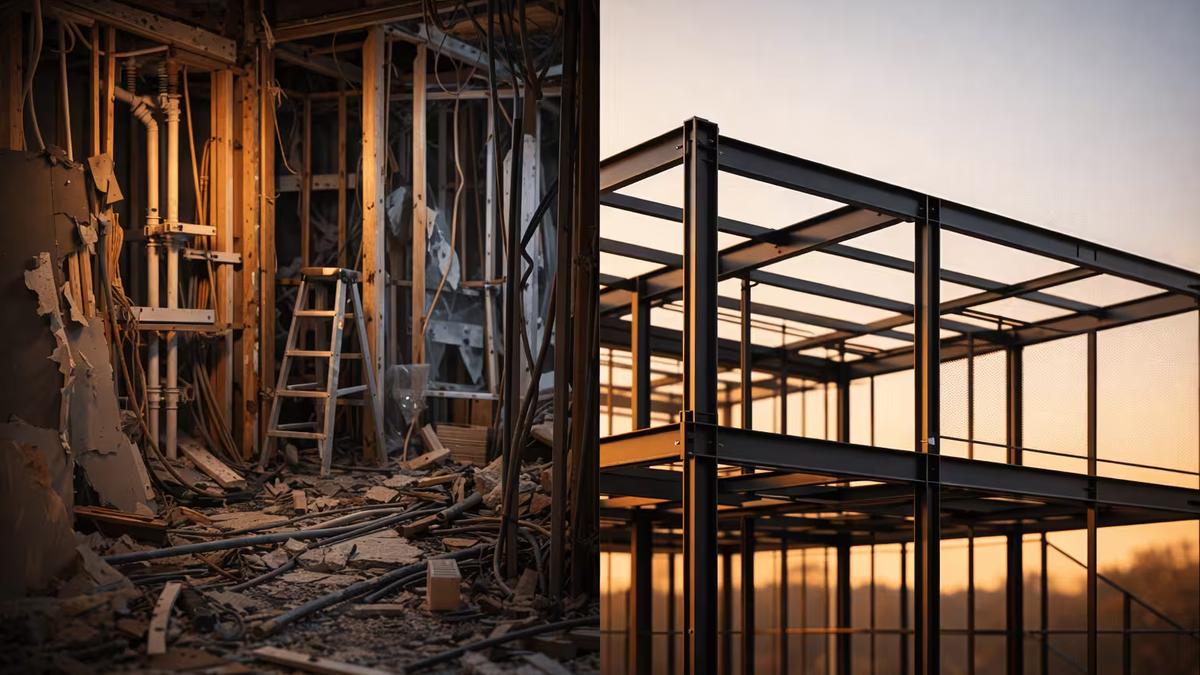
WordPress runs about 43% of all websites, according to W3Techs. That’s a huge share. Nearly every other site you visit uses this content management system, which has been around for twenty years. But for small-business owners, using the same tools as everyone else may come at a hidden cost: even a one-second delay in site loading can cost you up to 7 percent in lost conversions and revenue.
So, why would a web developer pick something different?
Market share doesn’t always mean quality. Take a local bakery, for example. Their WordPress site might use a popular page builder to show weekly specials. For the owner, it looks great and is easy to update with drag-and-drop tools and lots of plugins. But for customers, reality feels different. Picture someone stopping in front of the bakery, the warm scent of fresh sourdough drifting from the doorway, their mouth already watering as they pull out their phone to check today’s menu. Instead of seeing flaky croissants and rich chocolate eclairs, they’re stuck staring at a spinning wheel, waiting for huge images to crawl onto the screen. Buttons don’t respond. The line inside moves, the bread is nearly gone, and by the time the page finally loads, that moment of excitement has already passed.
Now, imagine the same site built with a modern framework: pages load right away, images look sharp and clear, and customers can instantly see today’s specials and place an order. The difference between what WordPress offers and what a modern framework can do for a small business is hard to miss.
The Plugin Problem
WordPress is just a starting point. To add features like contact forms, image optimization, caching, security, or SEO, you need plugins. Most WordPress sites use between 20 and 30 plugins. Each plugin may sound small, but the hidden cost adds up: on average, a typical plugin adds anywhere from 30 to 150 kilobytes of extra JavaScript or CSS, and just five popular plugins together can add close to half a second to page load time. For sites with 20 plugins, that can mean hundreds of kilobytes and one to two seconds of extra delay, even on fast hosting.
Each plugin adds extra load. The browser has to download more code, the site makes more database queries, and there are more chances for things to go wrong. Page builders like Elementor and Divi are especially heavy. They offer drag-and-drop features, but they do this by sending large amounts of CSS and JavaScript to every visitor, even if it’s not needed.
Site owners don’t notice this trade-off. You see a smooth editor, but your customers often see a loading spinner.
Speed isn’t a luxury.
Google uses Core Web Vitals to measure your site’s speed and stability. These scores affect your search ranking. The three main ones are: how fast the main content appears (Largest Contentful Paint), how quickly the page responds to clicks or taps (Interaction to Next Paint), and how much the layout shifts while loading (Cumulative Layout Shift).
WordPress sites often have trouble with all three metrics. Frequent database queries, unoptimized plugin scripts, and stylesheets from themes and builders slow things down. Digital Polygon compared their site before and after switching from WordPress to Next.js. Their mobile performance score went from 51% to 86%, and desktop reached a perfect 100 (source: Digital Polygon, “Benchmarking Our Website on WordPress vs. NextJS”).
This matches what I see in my own projects. My portfolio sites usually score between 97 and 100 in all four Lighthouse categories. For site owners, these technical scores have real-world impact—sites that are fast and stable typically see visitors spend more time on the page, bounce rates drop by up to 30 percent, and conversion rates improve noticeably. According to industry research, even a 1-second improvement in load time can increase conversions by 7% or more. In short, performance scores like these don’t just look good on a report—they help you turn more visitors into customers. It’s not magic; it’s just that the technology works with you, not against you.
What I Use Instead
I use Next.js, a React-based framework. Here’s an analogy to explain how it works: imagine a restaurant. With WordPress, your website is like a chef rewriting your menu from scratch every time a customer walks in, searching through ingredients and writing out specials before handing over the menu. With Next.js, it’s like having beautifully printed menus ready at each table—the moment a guest sits down, they can read the menu right away, no waiting for someone to recreate it. Technically, unlike WordPress, which creates each page on the fly by pulling data from a database, Next.js can pre-render all your pages when you publish changes. These pages are saved as simple files, ready to send to visitors instantly. Next.js also uses a content delivery network (CDN), a network of fast servers around the world that store copies of your site. This way, your site loads almost instantly because there’s no waiting for server processing or database calls when someone clicks a link.
Here are a few reasons why this is important for a small business website:
Automatic image optimization. Next.js has a built-in Image component that serves images in modern formats like WebP, at the exact dimensions the browser needs. No plugin required. WordPress needs a third-party solution for the same thing, and most site owners never set it up correctly.
Code splitting by default: When someone visits your homepage, they only download the code needed for that page, not the JavaScript for your contact form, about page, or other pages. WordPress themes and page builders usually load everything at once, which is why many WordPress performance audits highlight “unused JavaScript” as a major issue.
No database dependency. A static Next.js site doesn’t need to query a database on every visit. That eliminates an entire class of performance bottlenecks, meaning the site runs at the same speed whether it’s getting 10 visitors or 10,000.
For content that needs to be editable, like a blog or a knowledge section, I use Next.js together with Sanity, a headless content management system. Sanity offers an easy-to-use editing interface, similar to WordPress. You can update text and images without any coding. If you or your team are new to the system, I provide training and ongoing support so you feel comfortable managing your content. The site stays fast because content is pulled during the build, not every time a page is visited.
If you’re worried about learning something new, you’re not alone—most clients start out unsure about using a new system. But feedback has been very positive. As one client recently told me: “I was nervous at first, but updating our blog is actually easier than it was in WordPress. I got the hang of it right after your walkthrough.” Support like this helps make the switch feel much easier.
Security Is a Structural Issue
WordPress’s popularity makes it the biggest target on the web. Patchstack’s 2026 State of WordPress Security report found that 11,334 new vulnerabilities were discovered in the WordPress ecosystem in 2025 alone — a 42% increase over the previous year (source: Patchstack, “State of WordPress Security in 2026”). Of those, 91% were in plugins and themes, not in WordPress core.
The same report found that 92% of all successful WordPress breaches in 2025 came from plugins and themes (source: Patchstack/Developress, “WordPress Security Update - December 2025”). That’s not a bug in the system. That’s the system working exactly as designed: a large network of third-party code with uneven security standards, all running on a single platform that attackers are highly familiar with. According to Melapress, 64% of WordPress site owners reported experiencing a full security breach, and 96% said they had faced at least one security incident in the past.
A static Next.js site doesn’t have a login page for attackers to target. There’s no database for hackers to exploit, and no plugin directory with code from unknown developers running on your server. The site is more secure by design, not because of an added security plugin.
The Real Cost of “Free”
WordPress is free to install. But running it isn’t free. Between premium themes, essential plugins (SEO, security, backups, caching, forms), managed hosting that can handle the performance overhead, and ongoing maintenance to keep everything updated and unbroken, the annual cost of a WordPress site adds up fast. For most small business sites, a realistic estimate is $500 to $1,500 per year, including typical hosting, premium plugins and themes, and maintenance support. I broke this down in detail in my article on what WordPress actually costs per year.
In comparison, you can host a typical Next.js site for $0 to $20 per month on Vercel, with no plugin licensing and almost no ongoing maintenance costs. This means the yearly cost is often $0 to $240, depending on your hosting plan and any extras. The long-term savings can be significant, especially for small businesses.
Next.js sites can be hosted on Vercel’s free tier or a low-cost plan, and there’s no need to pay for plugin licenses. Abbacus Technologies recommends managed WordPress hosting because it includes built-in caching, security, and staging, reducing the need for additional maintenance and plugin conflict management. Overall, the long-term cost of ownership is much lower.
When WordPress Still Makes Sense
I won’t say WordPress is always the wrong choice. If you need a site quickly and have a tight budget, and you’re comfortable managing it yourself, WordPress with a simple theme can work. If you run a large content operation with many non-technical editors who need to publish every day, WordPress’s admin interface is mature and familiar.
But for a small business that needs a fast, secure, and professional website that turns visitors into customers, WordPress brings problems you shouldn’t have to deal with. Plugin bloat, security risks, slower performance, and ongoing maintenance are not rare issues—they’re built into how WordPress works.
What This Means for You
When I deliver your finished site, you won’t have plugins to update, security patches to worry about, or slowdowns months later because a theme update broke your caching plugin. Your site loads quickly from day one and stays fast, because nothing in the setup slows it down.
This isn’t a sales pitch. It’s simply what happens when you use the right tool for the job.
If your current site is on WordPress and you’re curious about what a rebuild would involve, or if you want to start fresh and avoid the plugin hassle, I’m happy to discuss it with you. There’s no pressure or upsell—just an honest conversation about what your business really needs.
Here is what a typical migration process looks like:
- Initial Consultation: We review your current WordPress site and discuss your business goals, required features, and any content you want to keep or improve. My role is to guide the conversation, ask the right questions, and provide expert advice; your role is to share access to your current site and provide input on your goals and preferences.
- Planning and Timeline: I will outline a clear project timeline, from design to launch. Most small business migrations are completed in 2 to 4 weeks, depending on site complexity and the amount of content to be moved. I take care of the planning and scheduling; you review and approve the proposed plan before work begins.
- Content Export: All your existing text, images, and media are exported from WordPress and prepared for the new site. I handle the technical export and organization of assets; you confirm which content is essential for migration and flag anything you want updated or omitted.
- New Build: I rebuild your site in Next.js, applying any design updates or improvements we discussed. I make sure the site matches your branding and works seamlessly across devices. My responsibility is to deliver a high-quality, responsive build; your input helps ensure the design and content reflect your brand accurately.
- Editable Content Setup: You will get an intuitive content editing interface (like Sanity), and I will provide training if needed so you feel comfortable making updates. I set up and configure the system; your role is to participate in training and try out editing to get comfortable.
- Review and Testing: Together, we review the new site to make sure everything looks great and functions properly. I run performance and security checks as part of this process. Your job is to test the site from a user perspective and flag anything that needs adjustment.
- Launch: Once you are happy, we will go live with the new site. I handle the technical details, including DNS updates and redirecting old URLs if needed to protect your SEO. You approve the final launch and verify that your needs are fully met.
As the site owner, you’ll provide access to your current site, share your goals, and review the new build. I’ll handle the heavy lifting, guide you through each step, and support you even after the site goes live.
Sources cited in this article:
- W3Techs — WordPress usage statistics (w3techs.com)
- Digital Polygon — “Benchmarking Our Website on WordPress vs. NextJS” (digitalpolygon.com)
- Patchstack — “State of WordPress Security in 2026” whitepaper (patchstack.com)
- Developress — “WordPress Security Update - December 2025” (developress.io)
- Melapress — “WordPress Security Survey 2025” (melapress.com)
- Shopify stores are the fastest in the world—and that has a big impact on conversion - Shopify Canada https://www.shopify.com/ca/enterprise/blog/shopify-site-speed