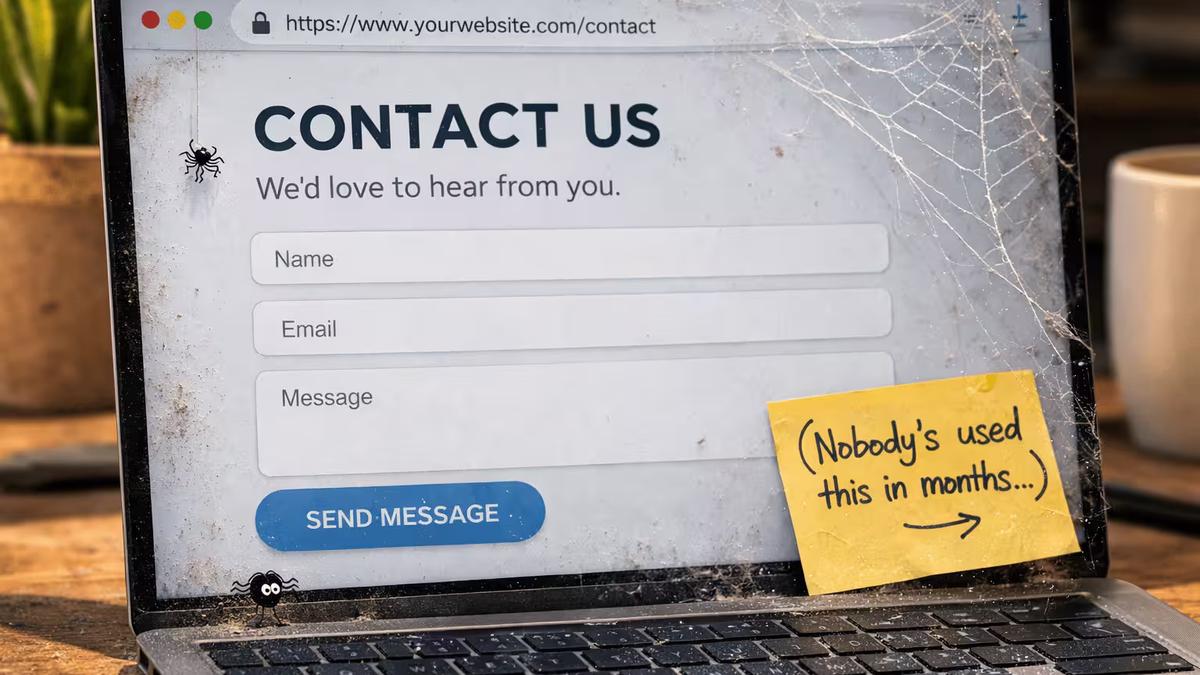
You spent real money on your website. It looks professional, works well on mobile, and people say it looks great when you show it to them. Yet your contact form sits unused. The phone stays quiet. No one is filling out quote requests or booking calls. If this sounds familiar, you are not alone. Many small business owners invest in a website that looks great but still struggle to turn visitors into leads or customers.
This is a common problem for small business owners, and it’s rarely about design. The site looks fine. The real issue is what happens after someone lands on it.
Visitors Decide Quickly and Need a Reason to Stay
When someone visits your site, they aren’t admiring the layout. They’re asking themselves, “Is this the right business for what I need?” If they can’t answer that in a few seconds, they leave. They don’t search for clues or read every word. They scan, make quick decisions, and either stay or go.
This usually happens because the homepage focuses on the business rather than the customer. Expressions such as “We are a full-service company dedicated to high standards” sound professional, although they don’t say much. Now compare that to “We fix leaking roofs in Granbury. Same-day estimates, no pressure.” The second example tells visitors exactly what you do, where you work, and what to do next. The first could fit any business in any industry.
If visitors can’t tell what you do, where you do it, and how to contact you within seconds, the design won’t matter.
Your Calls to Action Are Weak or Buried
An invitation to act is what you want visitors to do next—call you, fill out a form, book a consultation, or request a quote. On many small business sites, the only invitation to act is a “Contact” link in the menu. That’s not enough.
People need concise directions and to see your call action more than once. Put a strong prompt at the top of the page, repeat it at natural spots, and clearly say what visitors get by taking that step. Use specific, low-pressure expressions like “Get a free estimate” instead of “Contact us,” or “Book a 15-minute call” instead of “Learn more.” The more specific and easy the prompt, the more likely visitors are to follow through.
If visitors have to scroll or hunt for your contact page, you’ll lose most of them.
There Is No Reason to Trust You Yet
Put yourself in your customer’s shoes. They found your website through a Google search, or someone sent them the link. They have never heard of you. They know nothing about your work, your reputation, or whether you are any good at what you do. And now you are asking them to hand over their name and phone number.
Most small business websites don’t bridge that trust gap.
Build trust by being specific. Share real testimonials with names. Show your actual work, not stock photos. Add a clear About section with your photo and story. Use case studies that show a problem you solved and the results. Mention your Google reviews. Even saying how long you’ve been in business or how many projects you’ve finished helps. If you are just starting out and do not have many testimonials yet, you can still build credibility by sharing your personal story, your credentials or licenses, or by outlining your process in detail. Let people know why you started your business, what experience you bring, or what steps you follow with every client—this gives visitors more reasons to trust that you will do a great job for them too.
Without these details, visitors have to take a leap of faith just to fill out your form. Most people won’t do that for a business they don’t know.
You Might Be Attracting the Wrong Visitors
Sometimes the real problem isn’t your website, but who’s visiting it.
If your site gets visitors but no one becomes a customer, ask yourself if those visitors are actually your target customers. For example, a roofing company ranking for “roof maintenance tips” attracts DIY homeowners who don’t want to hire anyone. A web developer ranking for “React tutorial” gets other developers, not business owners looking for a website. The easiest way to check who is visiting is to look at your website analytics and see what search terms or pages bring in the most traffic. You can also simply ask new customers how they found you and what they were looking for when they landed on your site. Taking a few minutes to review this information can reveal whether you are reaching the right audience or need to adjust your site content.
Getting lots of traffic feels good, but the wrong visitors won’t help your business. What matters is if your visitors are likely to hire you. If not, the issue is targeting, not conversion. Your site content is attracting the wrong people.
Your Site Doesn’t Work Properly on a Phone
This problem is simple but still surprises many small businesses. More than half of all web traffic comes from mobile devices. (Ceci, 2025) If your site is hard to use on a phone—if the text’s too small, buttons are hard to tap, or the layout looks broken—you’re losing people before they even read about your business. An easy first step is to pull up your own website on your phone and check how it looks and feels. Better yet, ask a few friends or family members to try it out and see if they can easily find what they need and fill out your form. This quick test often reveals surprises you might not notice on your computer.
Mobile isn’t optional anymore. For most small businesses, most visitors come from phones. (Top Website Statistics for 2025, 2025) If using your site on a phone is frustrating, your conversion rate will show it.
The Solution Is Usually Simpler Than You Think
Most of these problems don’t require a full redesign. They just need clarity.
To get started, choose just one action: update your homepage headline. Make sure that anyone who lands on your site instantly understands what you do and who you help. This one change can help visitors feel confident they are in the right place. Next, add a strong prompt at the top and repeat it throughout the page. Place real testimonials near your contact form, not hidden on another page. Make sure your phone number can be tapped on mobile. Replace stock photos with real images of your work. Keep your contact form simple and only ask for what you need to start a conversation.
None of this is complicated, but it’s what separates a website that just looks good from one that actually helps your business.
Curious About What’s Holding Your Site Back?
If your website looks good but isn’t bringing in inquiries, the problem can usually be fixed without a full rebuild. I build websites for small businesses and would be happy to take a look at yours and share my thoughts. My feedback covers key areas like homepage clarity, the strength and placement of your calls to action, trust signals, and mobile usability. You will get straightforward suggestions on what you can quickly improve, with no pressure and no sales pitch—just honest advice.
Sources referenced: Clap Creative analysis of small-business website conversion patterns (2026); Stanford Web Credibility Research Project on first-impression trust signals; mobile browsing statistics from industry research on device usage and bounce rates.